Jonas Adler
Atlas: One Workspace, Fully Yours
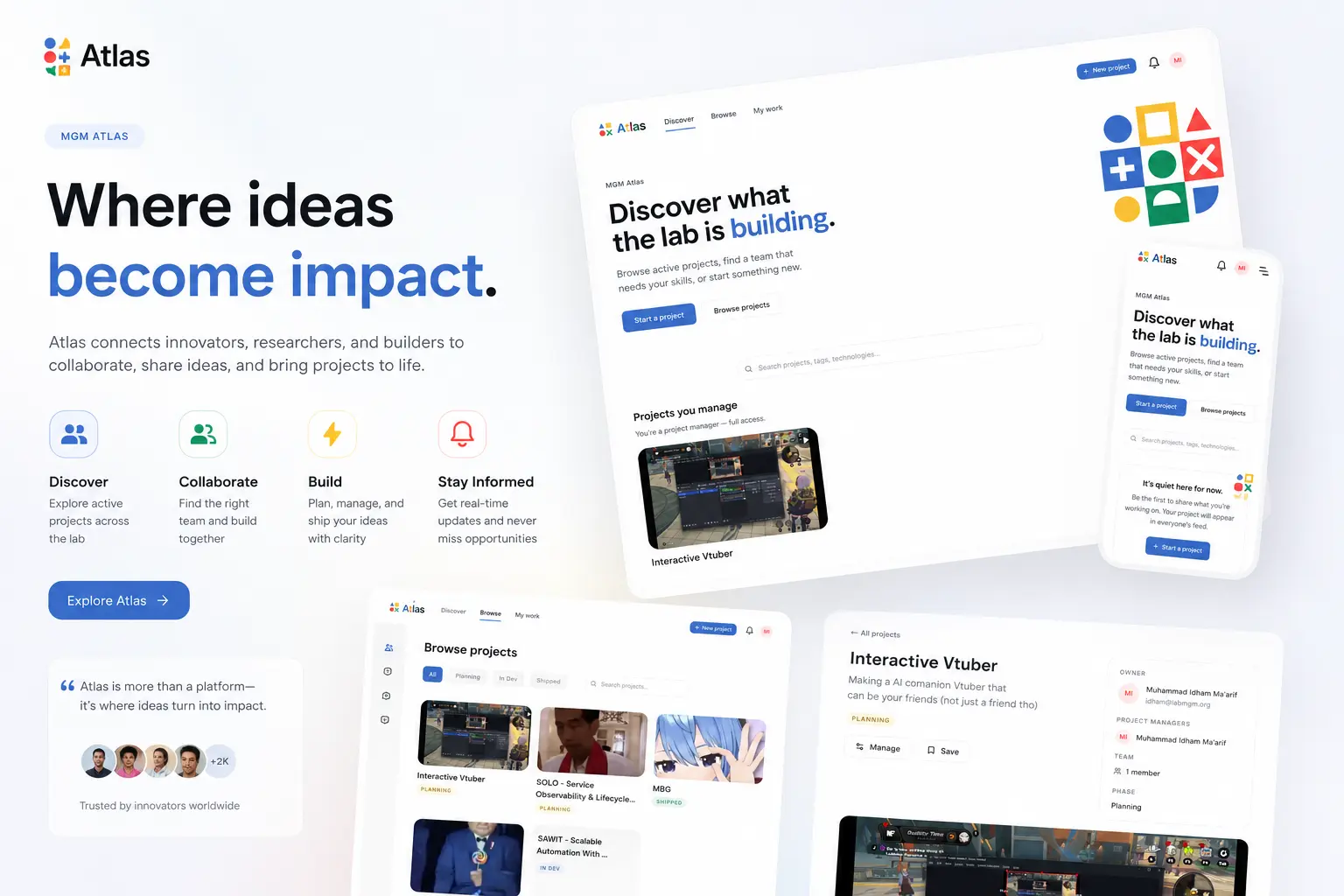
Every growing team eventually hits the same wall: spreadsheets stop working, group chats become unsearchable chaos, and suddenly you're paying for three or four different subscriptions just to keep everyone on the same page. Atlas exists to remove that wall entirely, by putting project management, team communication, and real-time collaboration into a single self-hosted platform that costs nothing to license and puts you in full control of your data.
The Problem It Solves
Atlas was born out of necessity, not a business plan. Laboratorium MGM, a research lab at the Faculty of Computer Science, Universitas Brawijaya, has more than 65 active members juggling dozens of internal projects at once. For years, the lab ran on a patchwork of Excel spreadsheets and scattered WhatsApp and Discord threads. It worked, until it didn't. As the number of projects grew, that setup became impossible to scale.
The team tried the usual fixes. Jira, ClickUp, and Asana were all evaluated, but per-seat pricing made no sense for a nonprofit academic lab with dozens of members. Plane, a self-hosted alternative, looked promising until they hit its user cap and discovered that Single Sign-On, essential for onboarding an entire institution, was locked behind a paid tier. On top of that, none of these tools included real communication features, meaning the lab would still need to pay separately for Slack or Microsoft Teams just to talk to each other.
So they built their own.
What Atlas Actually Does
At its core, Atlas unifies three things that are normally spread across separate paid tools:
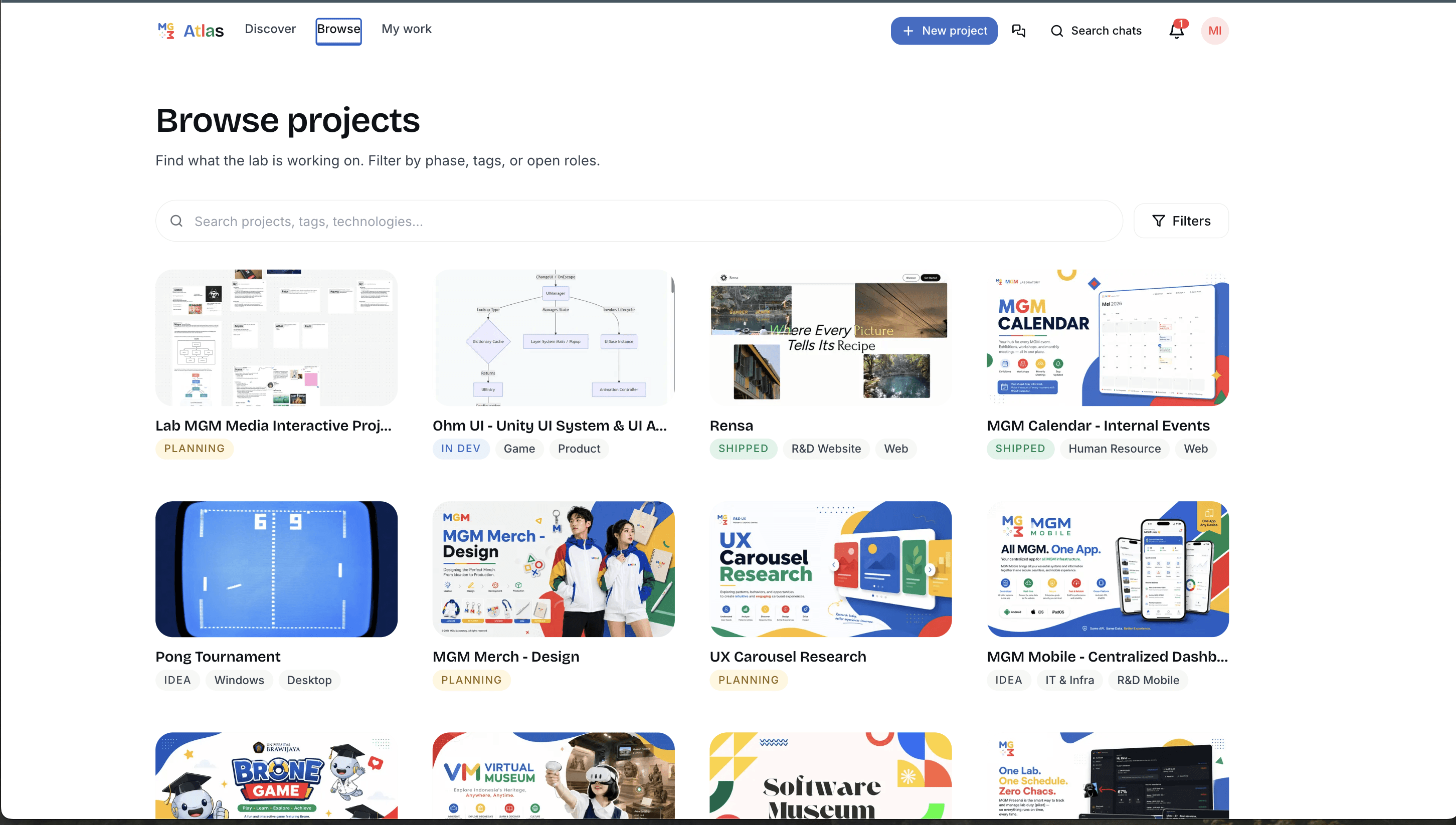
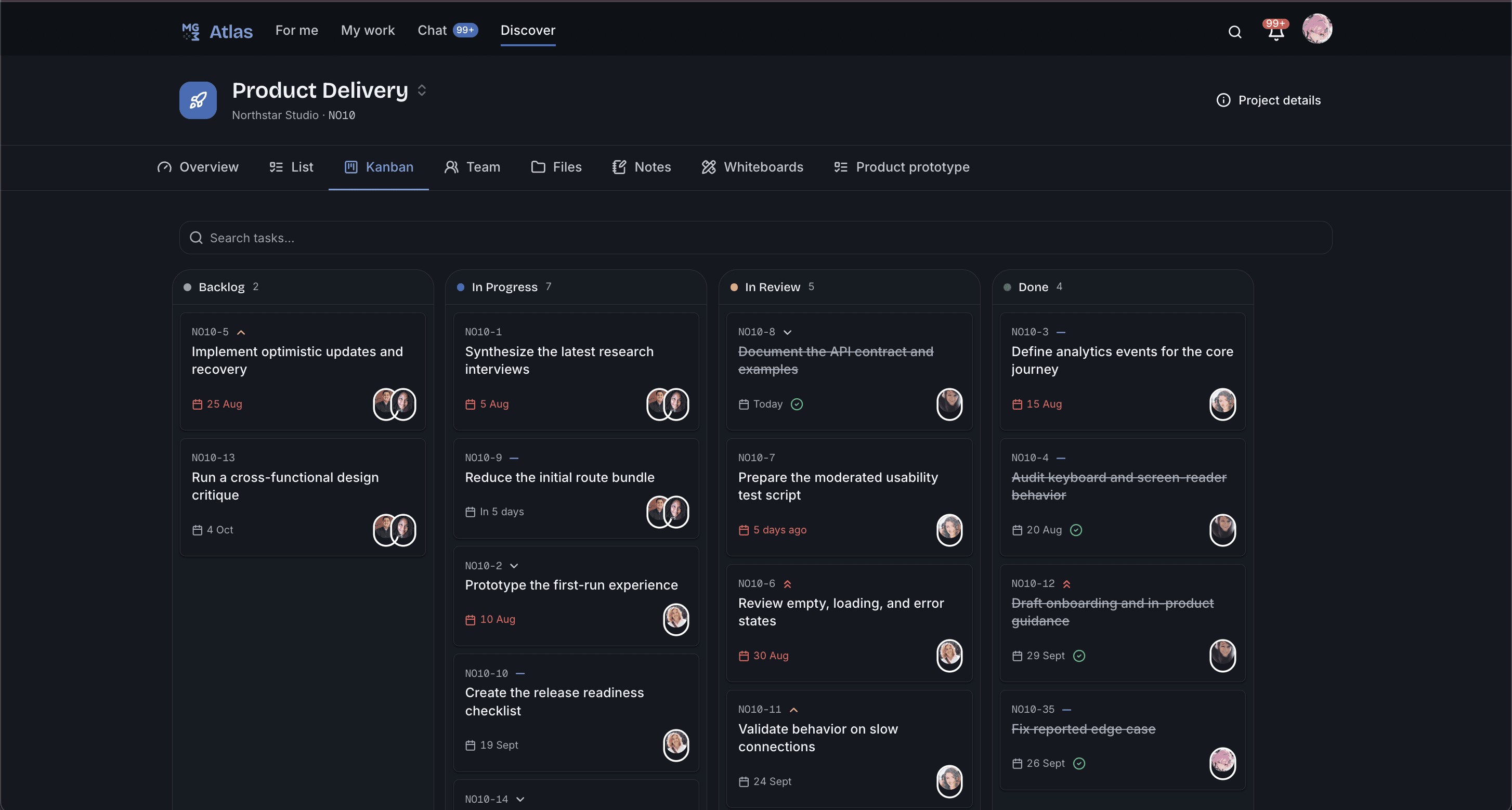
Project Management (PMO). Every project gets a task list that can be viewed as a Kanban board, a flat list, or a Gantt-style timeline, complete with statuses, priorities, assignees, and due dates. Task keys stay unique and sequential across an entire project, even when work is split across multiple lists.
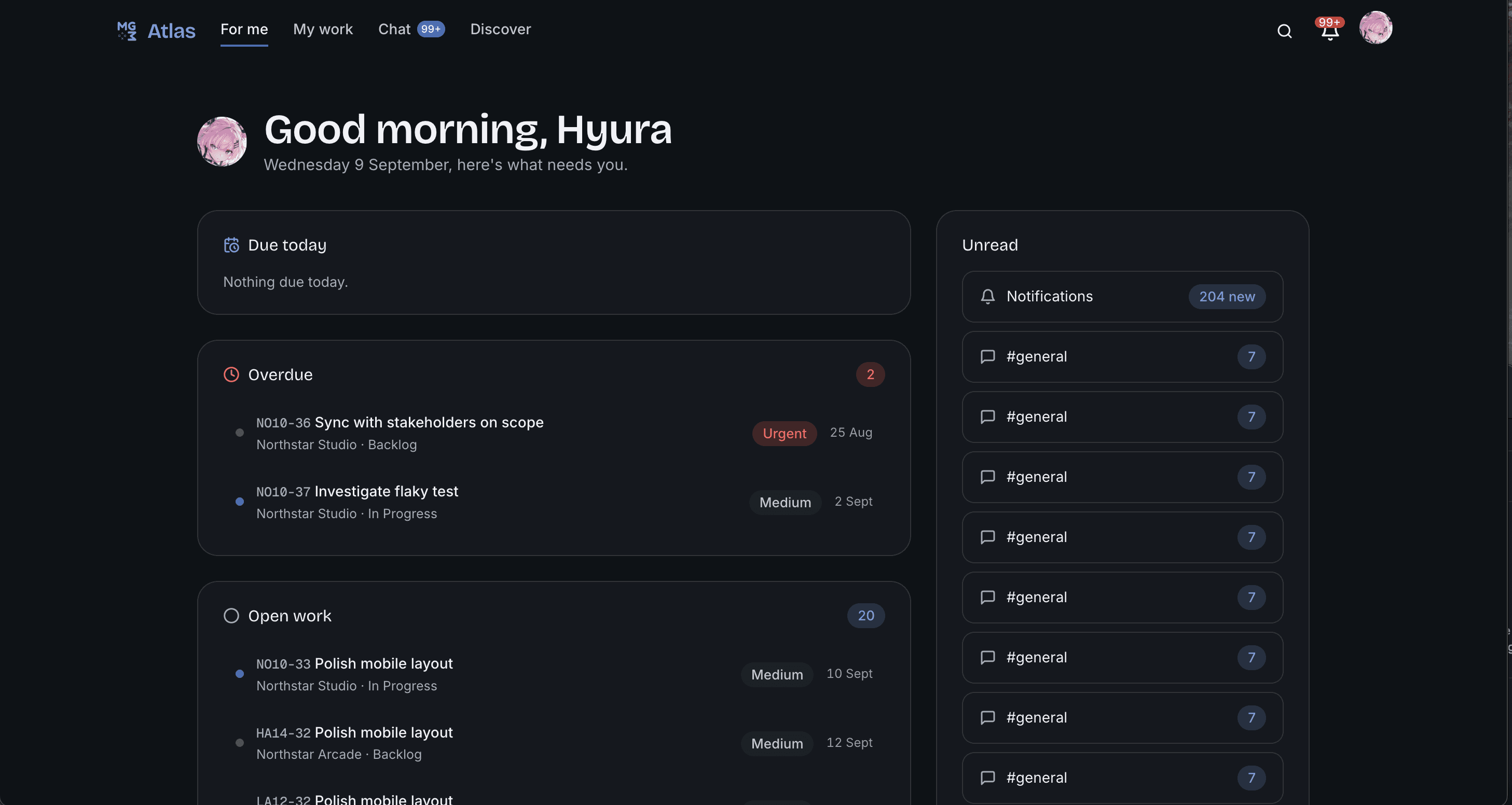
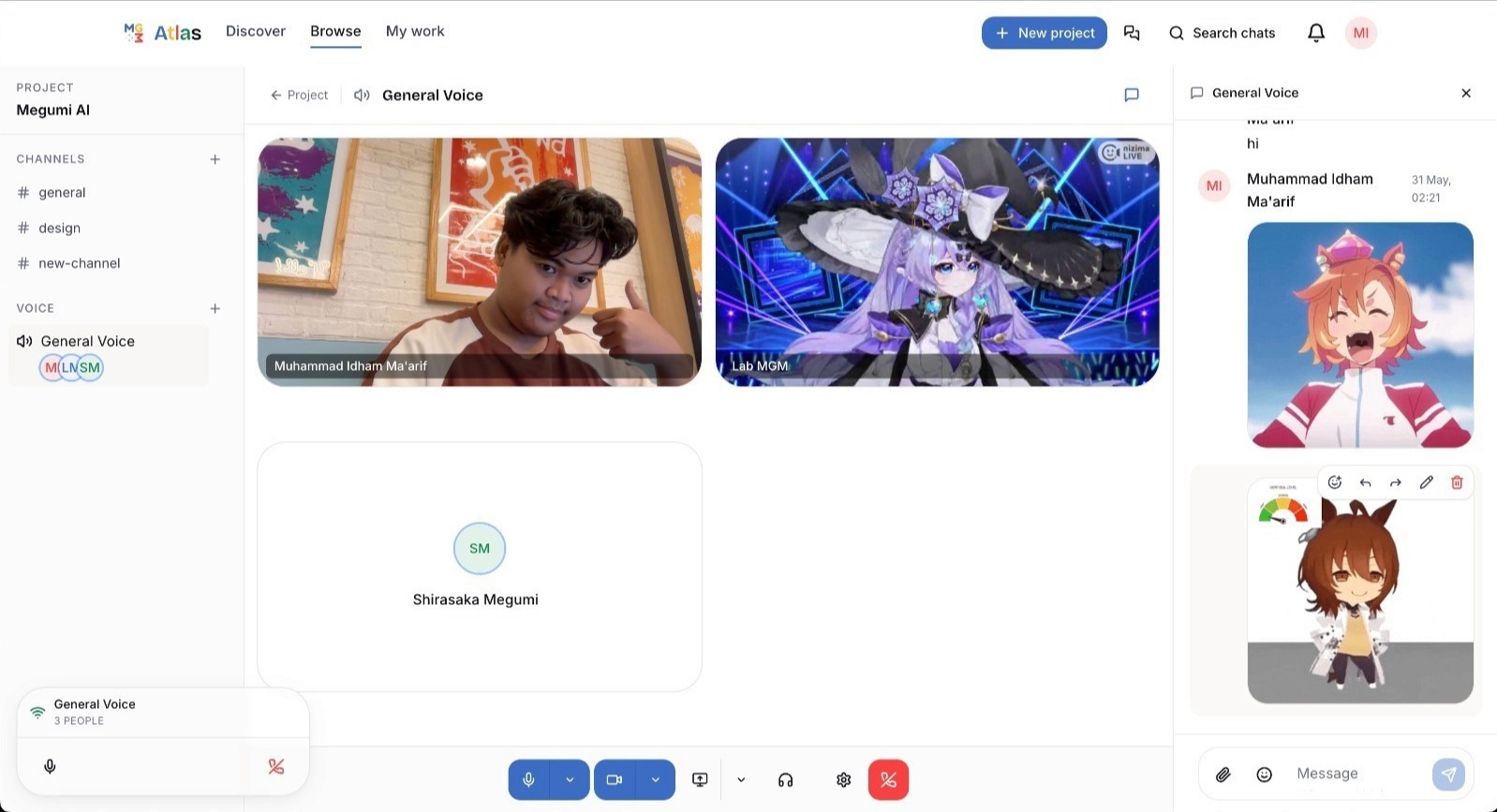
Team Communication. Each project has its own dedicated chat channel, plus a global space for organization-wide conversation. Messages support mentions, emoji reactions, stickers, and file attachments. Voice calls run over WebRTC, connecting participants directly rather than routing audio through the backend.
Real-Time Docs and Whiteboards. Collaborative notes and whiteboards, built on CRDT technology (via Yjs), let multiple people edit the same document or canvas simultaneously without conflicts, the same real-time editing feel you'd expect from Google Docs, but self-hosted.
None of these are bolted-on afterthoughts. They share the same identity system, the same notification center, and the same search, because they were designed from the start to work as one product.

Who Atlas Is For
While it was built to solve one lab's problem, the situation isn't unique to MGM. Atlas is a strong fit for:
Campus labs and research groups juggling many parallel projects with student turnover and no software budget
Student organizations that need continuity across yearly leadership changes, without losing institutional memory in an old Drive folder
Early-stage startups that want professional-grade tooling from day one without burning runway on SaaS subscriptions
Nonprofits and community groups that need full control over member data rather than trusting it to a third-party vendor's policies
Atlas is free to run, free to modify, and free to grow with your team.
Try the demo: atlas.creations.ren
Credentials:
Email: maya.lindqvist@proton.me
Password: W7@4vS8Q9CWNqZMD

Share this post
Never miss a piece
No schedule. No noise. Just the pieces worth reading, delivered when they are ready.

About the author
Shirasaka Ren
I keep other people’s infrastructure alive for a living, and I would very much like to tell you about it